Content pruning: delete, redirect, or refresh
By BeeRanked · September 29, 2026
Content pruning is deciding, page by page, what to do with the content you have already published: keep it, fix it, merge it, or remove it. Every site that publishes for a few years accumulates pages that no longer earn their place. Pruning is how you deal with them, and it starts with knowing what pruning cannot do.
What pruning will not do
Google's guidance asks, word for word: "Are you adding a lot of new content or removing a lot of older content primarily because you believe it will help your search rankings overall by somehow making your site seem 'fresh?' (No, it won't)". Mass-deleting old posts as a ranking ritual does nothing. The value of pruning is that it concentrates your internal links and your maintenance effort on the pages that deserve them.
One question per page
Work from a list of your pages sorted by age or by traffic, and ask one question per page: is this still useful and accurate for the audience I have today? Google's own self-assessment questions are a good lens: does it offer original information or analysis, would you recommend it today, does it look hastily produced next to what you publish now?
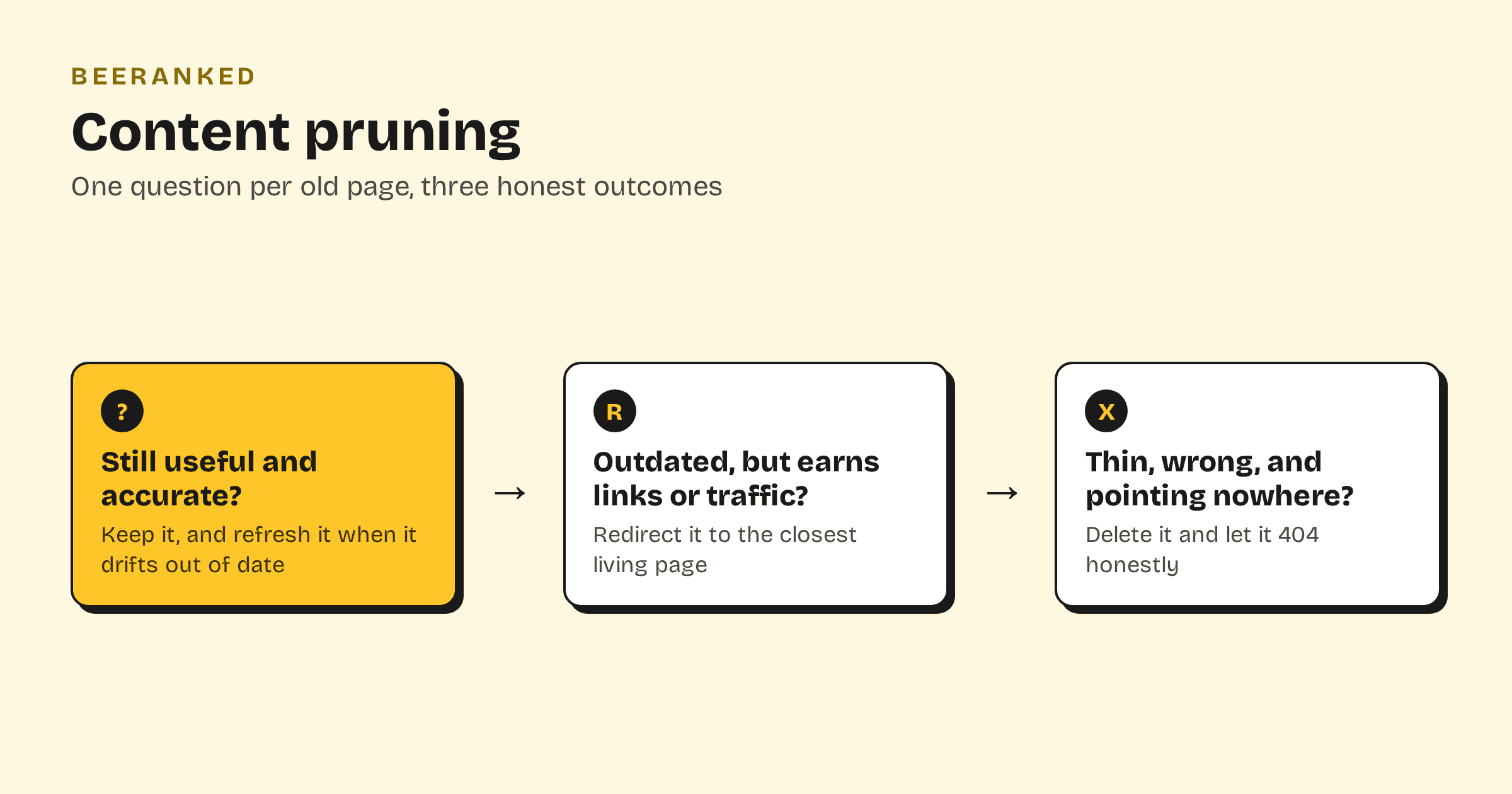
The answer sorts every page into one of three outcomes.
Outcome 1: refresh it
If the page's topic still matters and the page still gets impressions or traffic, the right move is almost always an update. Fix what drifted out of date, tighten the intro, add what the topic grew since you wrote it. We made the full case in content refresh beats publishing more; an existing page with history usually recovers faster than a new page can start. Content decay is the pattern to watch for: a slow impressions slide that marks a page as due for this treatment.
Outcome 2: redirect it
If the page itself is past saving but it still earns backlinks, bookmarks, or steady visits, do not delete it outright. Point a 301 redirect at the closest living page that serves the same intent. A permanent redirect passes the old page's signals along; Google treats it as a signal that the target should be canonical.
Redirects are also the fix for a special pruning case: two pages competing for the same query, or keyword cannibalization. Merge the weaker page's useful parts into the stronger one, then redirect the weaker URL at it. Two half-ranking pages become one that can climb, and the same logic applies to near-identical pages that split signals as duplicate content.
Outcome 3: delete it
If a page is thin, wrong, off-topic, and nothing meaningful links to it, delete it and let the URL return a 404. A 404 for a page that no longer exists is the correct answer, and search engines process it as such. Redirecting every dead page at your homepage regardless of relevance is worse than the 404, because it turns a clear signal into a confusing one. Reserve redirects for pages that have somewhere relevant to go.
Before you delete, do a ten-second check in Search Console: if the page still gets impressions for queries you care about, it belongs in outcome 1 or 2 instead.
A pruning cadence that does not eat your year
Once or twice a year is plenty. Pull the page list, mark each page refresh, redirect, or delete, and execute the redirects and deletions the same day, because they are quick. The refreshes become your content calendar's maintenance lane, worked through one page at a time alongside new publishing.
Pruning in BeeRanked
BeeRanked makes the mechanical half of pruning safe. Archiving a page takes it offline without destroying it, redirects are managed from a simple card view with no server configuration, and whenever a URL changes or a page is merged away, inbound internal links across your site are rewritten automatically so the pruning pass never leaves broken links behind. Published and updated dates are tracked separately too, so a refreshed page shows readers, and Google, how current it is.