Title tag
By BeeRanked · October 1, 2026
The title tag is the <title> element in a page's HTML. It names the page in the browser tab, and it is the first source Google looks at when it writes the clickable headline of a search result, which Google calls the title link.
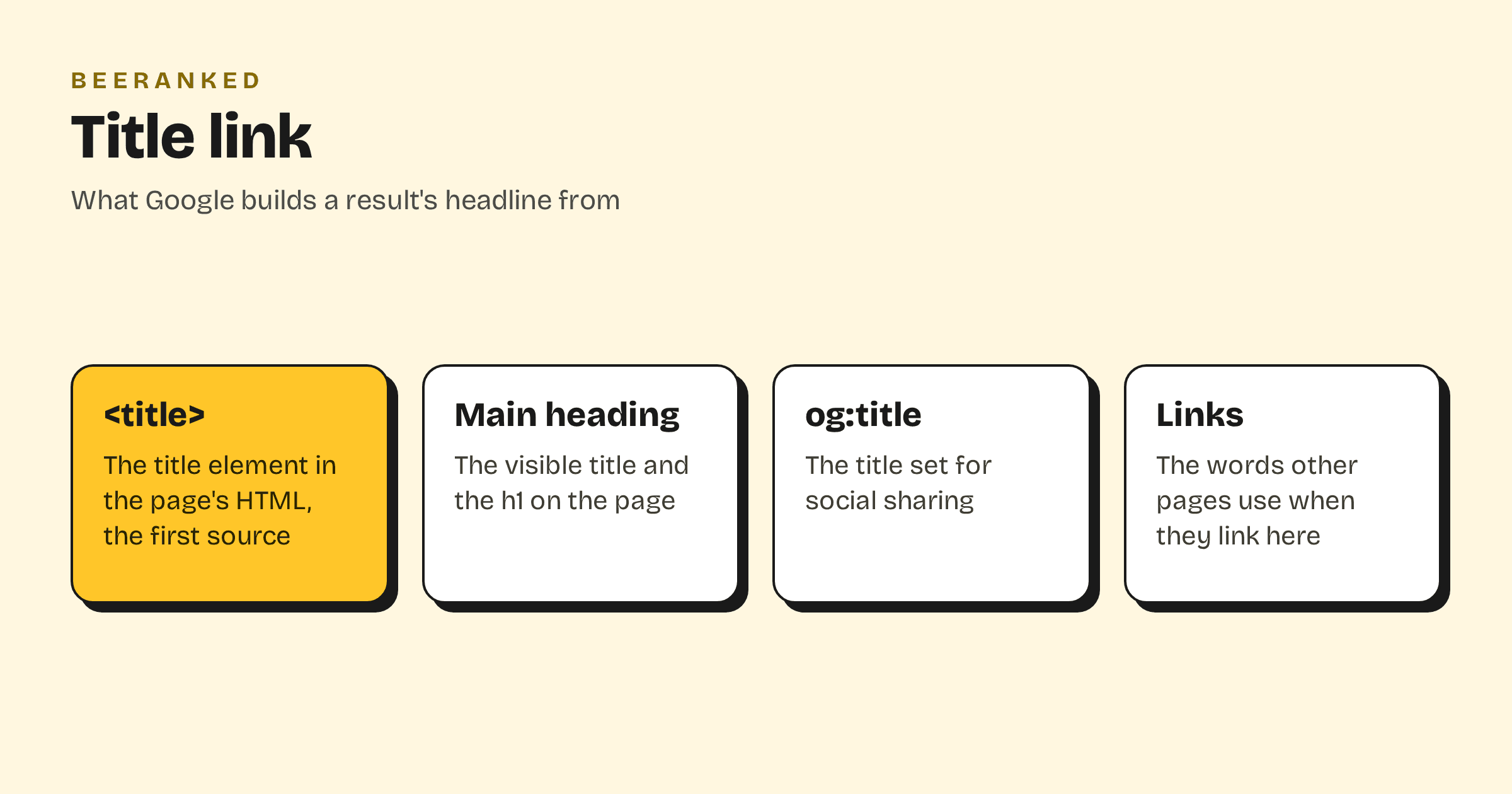
Google may rewrite it
The title link is generated automatically. Google's documentation on title links lists the sources it draws on: the <title> element, the main visual title, heading elements such as <h1>, og:title, other prominent text, anchor text on the page, and "text within links that point to the page". When the title element is missing, half empty, out of date or the same on many pages, Google builds the title link from the other sources.
Writing one
Google's advice is short: "Write descriptive and concise text for your <title> elements." Every page needs its own, and vague labels such as "Home" or "Profile" are named as examples to avoid. Repeating the same words several times is called out as well.
For the brand name, Google suggests "just your site name at the beginning or end", set apart with a hyphen, a colon or a pipe.
How long
There is no limit. Google says "the title link is truncated in Google Search results as needed, typically to fit the device width." The common figure of about 60 characters is an estimate of what fits on a desktop result, which is a reason to put the important words first.
After a change, expect a delay. Google has to recrawl the page, "which may take a few days to a few weeks".
Title tags in BeeRanked
Each page has a meta title field in the Enrich panel, next to the meta description, with a preview of the search result. If you leave it empty, the page title is used. The title shown on the page is a single <h1>, so Google's second source agrees with the first. The snippet under the title link is the subject of How to write a meta description.