Move a WordPress blog to BeeRanked
By BeeRanked · November 6, 2026
Moving a blog off WordPress is mostly a question of addresses. Posts are easy to copy. Rankings live on URLs, and every URL that stops answering loses what it earned. The move takes five steps, with the WordPress and Apache documentation behind the parts that go wrong, read in September 2026.
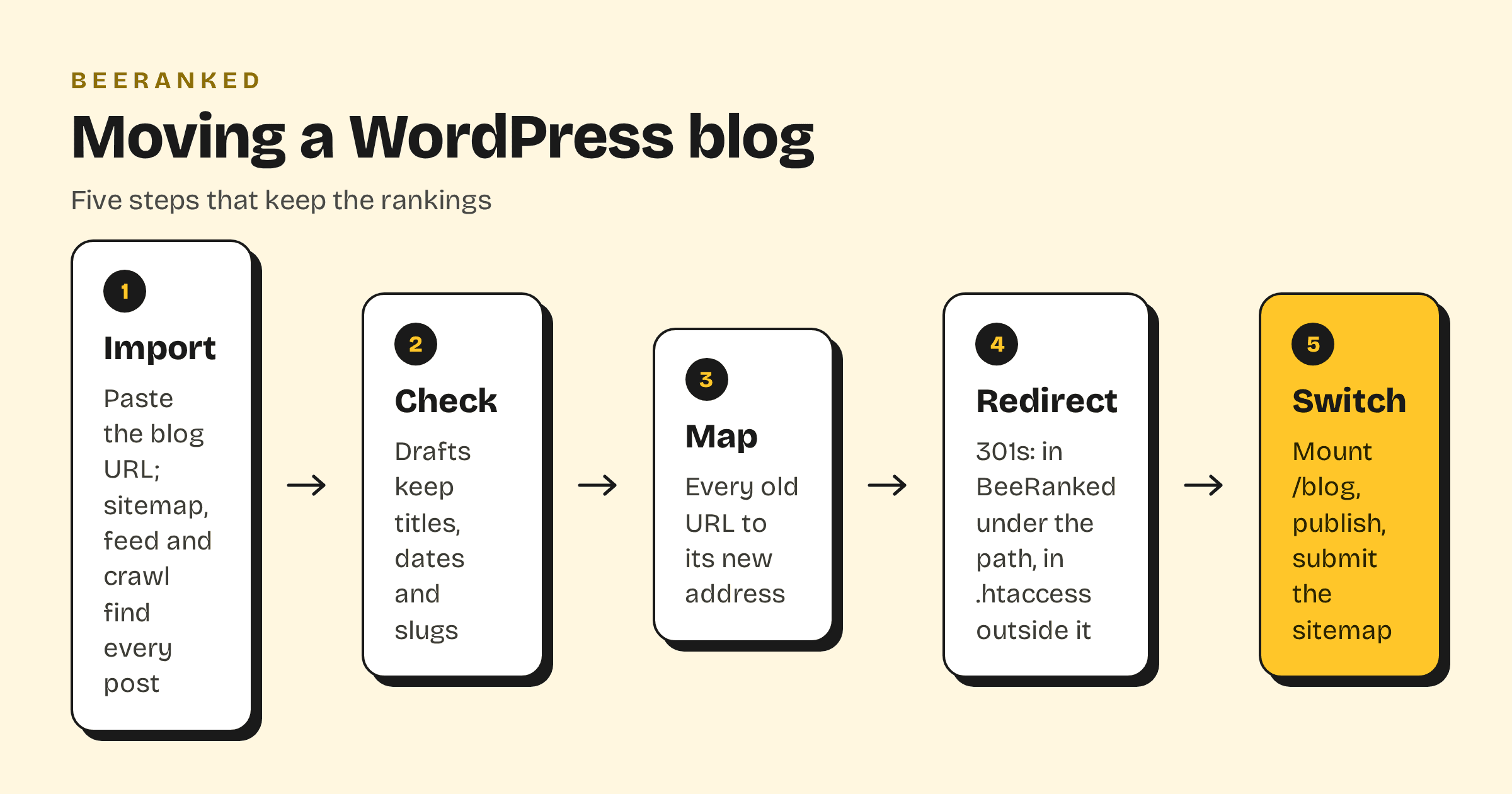
1. Import the posts
Paste the blog's URL into the importer. WordPress makes this the easy part: since version 5.5 it "includes an XML sitemap that helps search engines discover your most important pages", published as "a sitemap index at /wp-sitemap.xml", and the importer reads it, then the feed, then crawls whatever is left. Each post becomes a draft with its title, body, date, author, categories, tags and hero image, and the original slug is kept. The WordPress export file (Tools, then Export) is the backup: a WXR file that "will contain your posts, pages, custom post types, comments, custom fields, categories, tags, custom taxonomies, and users". The importer works from the live site, so run it while WordPress is still up.
2. Check the drafts
Open a handful of drafts in the studio and compare them with the originals: headings, images, embedded videos, tables. Images are referenced at their WordPress addresses, so if WordPress is going away entirely, re-upload the ones you keep before it does.
3. Map the URLs
List every old URL; the sitemap has them all. Decide the new address for each. A WordPress permalink such as /blog/post-name maps onto the same path on BeeRanked, so it needs no redirect. Date-based permalinks such as /2024/05/post-name/ do, and so does every post whose slug you change. Write those pairs down; they are the redirect list.
4. Redirect every old address
Where the redirect lives depends on where the old URL was served.
Old URLs under the blog path, for example /blog/old-slug: the path now belongs to BeeRanked, so the redirect goes into BeeRanked's redirect manager, which serves a 301 to the new page. Any URL you change inside BeeRanked later gets its redirect created for you.
Old URLs outside the blog path, for example /2024/05/post-name/ at the site root: those still reach WordPress, so the redirect is set there. WordPress's own migration page says to "consider adding some redirection instructions in your .htaccess file to guide visitors to the new location", and on Apache that is mod_alias: "RedirectMatch [ status ] regex URL", where "permanent Returns a permanent redirect status (301)". One rule covers a whole date-based scheme:
RedirectMatch permanent "^/\d{4}/\d{2}/([^/]+)/?$" "https://yoursite.com/blog/$1"Keep the redirects in place; a year is the usual minimum, and Keep your rankings when URLs change explains what happens to a URL's history when they are removed too soon.
5. Switch the path and submit the sitemap
Mount the blog path on your site so that /blog serves BeeRanked from now on: for a site behind Caddy, nginx, Apache or Traefik, paste the block BeeRanked generates in Settings, then Connect your site, then Subfolder. Get your content live: hosting and domains has every option, including a subdomain if you would rather not touch the server. Publish the drafts, then submit the new sitemap in Search Console and watch the coverage report for a few weeks. The old posts keep their rankings through the redirects; nothing else on the site needs to change that day.
What stays on WordPress
Everything that is not the blog: the pages, the forms, the shop if there is one, and the plugins that run them. Only the /blog path moves, and WordPress keeps serving the rest. If the whole site is on WordPress and the plan is to leave it, WordPress alternative for blogging on your own domain is the broader comparison.