How to appear in AI Overviews, from Google's own requirements
By BeeRanked · October 19, 2026
Google has written down what a page needs to be used in AI Overviews and AI Mode, and the list is shorter than most advice suggests. Google has published all four: its requirements, what you do not need, the controls it gives you, and where the result shows up in Search Console.
The requirement, in Google's words
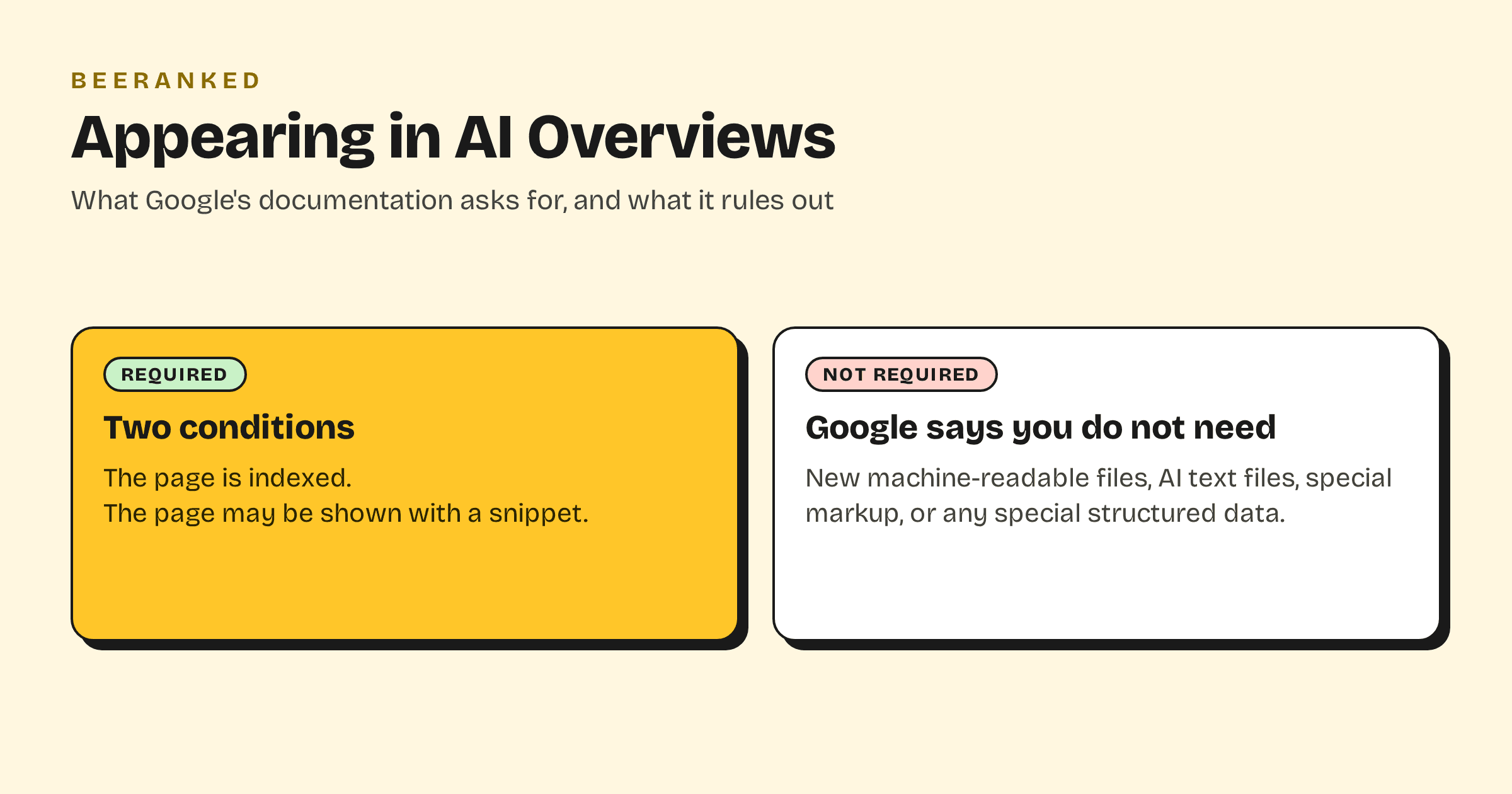
Google's page on AI features and your website states it directly: "There are no additional requirements to appear in AI Overviews or AI Mode, nor other special optimizations necessary." The one condition it names is eligibility: "To be eligible to be shown as a supporting link in AI Overviews or AI Mode, a page must be indexed and eligible to be shown in Google Search with a snippet".
Two things follow. A page that is not indexed cannot appear, so the index coverage report is the first place to look. And a page that blocks snippets has opted out, whether or not that was the intent.
What Google says you do not need
The same page rules out the extra work that is often sold as "AI SEO": "You don't need to create new machine readable files, AI text files, or markup to appear in these features. There's also no special schema.org structured data that you need to add."
So an llms.txt file, an "AI sitemap" or a dedicated block of markup does not change eligibility. Structured data still matters for what it always did, rich results and clarity, and Google asks that it match the page: one of its listed practices is "Making sure your structured data matches the visible text on the page".
How AI Mode reads your site
Google explains that both features "may use a 'query fan-out' technique", which it describes as "issuing multiple related searches across subtopics and data sources" to build a response. A page that answers one question well can be pulled in for a sub-question it never targeted, which is why sections with a clear heading and a direct first sentence do well here. We covered the writing side in Answer-first content.
Google also notes that these features do not show every time: "AI Overviews are only shown when our systems determine that it is additive to classic Search, and as such, often don't trigger."
The controls you have
Everything that limits what Google shows from a page applies to AI features as well. Google's list is "nosnippet, data-nosnippet, max-snippet, or noindex controls". In practice:
nosnippeton a page removes it from AI Overviews, featured snippets and ordinary snippets at once.data-nosnippeton an element keeps that part of the page out of any snippet.max-snippetcaps how much text Google may quote.noindexremoves the page from Search entirely.
Training is a separate switch. Google states that the Google-Extended robots.txt token controls whether content "may be used for training future generations of Gemini models" and for grounding, and that it "does not impact a site's inclusion in Google Search nor is it used as a ranking signal". Blocking it does not take you out of AI Overviews, because those are served by Search. The free AI crawler checker shows which of these tokens your robots.txt sets.
Where to see it
There is no separate AI report. Google says that "sites appearing in AI features (such as AI Overviews and AI Mode) are included in the overall search traffic in Search Console", reported "within the 'Web' search type" of the Performance report. If your impressions rise on long, question-shaped queries at deep positions, that is often this traffic. How to read Google Search Console explains the reports.
On the value of those clicks, Google makes a claim of its own: "when people click from search results pages with AI Overviews, these clicks are higher quality (meaning, users are more likely to spend more time on the site)". It publishes no figures with it.
A checklist that follows from the documentation
The page is indexed. Check the URL in Search Console; a "Crawled - currently not indexed" verdict means it cannot appear yet.
The page allows snippets. No
nosnippet, nomax-snippet:0, nodata-nosnippetaround the answer.The answer is near the top of a clearly headed section, in a sentence that stands on its own.
The structured data matches the visible text.
Googlebot is allowed in robots.txt.
Google-Extendedis a separate choice about training, and it does not affect this list.
What changes with BeeRanked
Every page published with BeeRanked is served as plain HTML with the page's structured data generated from its content, so it matches by construction. Sitemaps update on publish, and the Data page reads your Search Console account and lists the pages Google has not indexed, which is the first item on the list above. What we cannot do is write the answer for you, and that is the part Google's documentation keeps pointing back to.